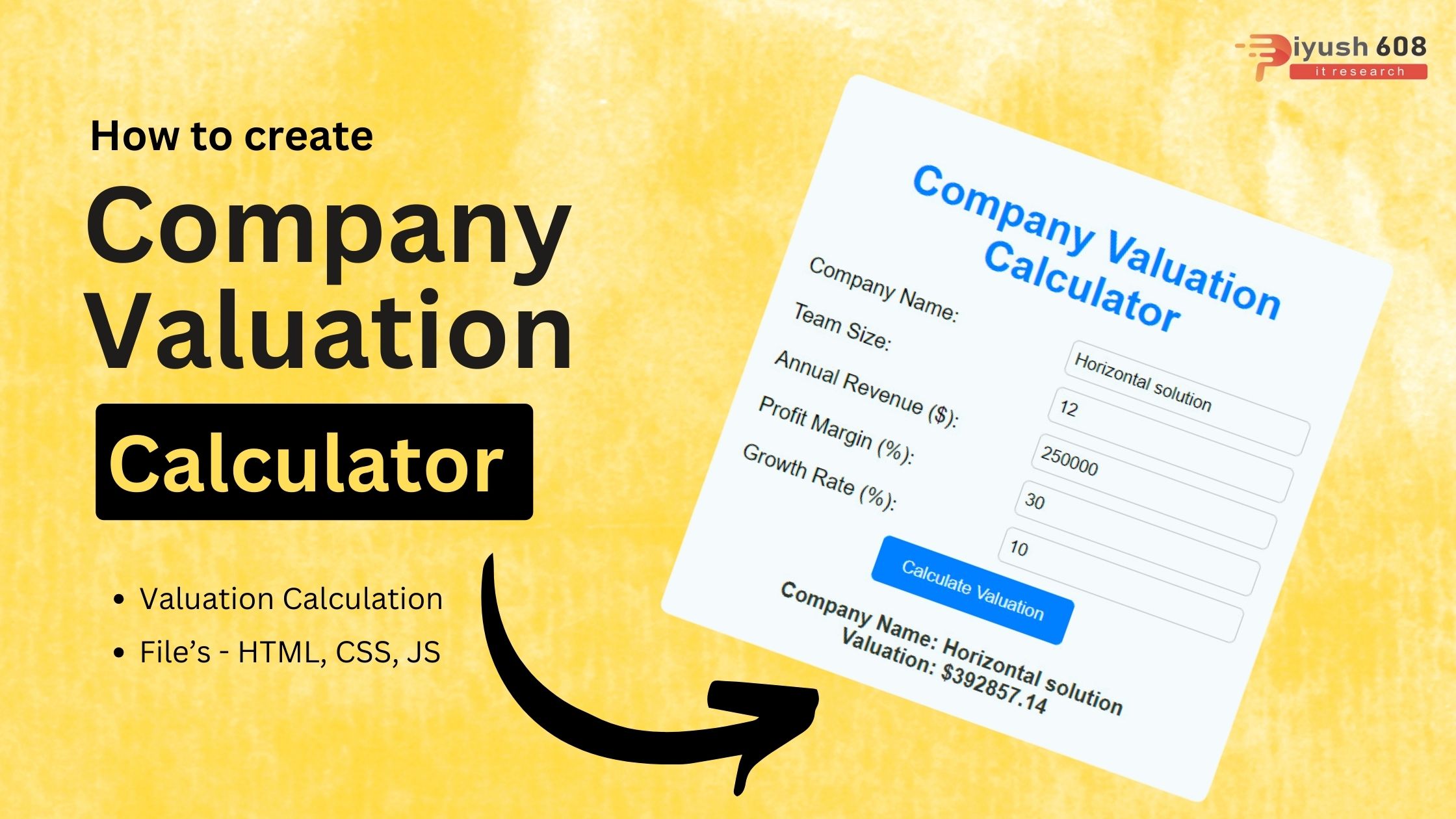
Creating a Company Valuation Calculator involves designing an interface where users can input financial data and then using JavaScript to compute the valuation based on those inputs. Below is a simple implementation using HTML, CSS, and JavaScript.
HTML
<!DOCTYPE html>
<html lang="en">
  <head>
    <meta charset="UTF-8" />
    <meta name="viewport" content="width=device-width, initial-scale=1.0" />
    <link rel="stylesheet" href="index.css" />
    <title>Company Valuation Calculator</title>
  </head>
  <body>
    <div class="container">
      <h1>Company Valuation Calculator</h1>
      <div class="form">
        <div class="form-group">
          <label for="companyName">Company Name:</label>
          <input type="text" id="companyName" required />
        </div>
        <div class="form-group">
          <label for="teamSize">Team Size:</label>
          <input type="number" id="teamSize" required />
        </div>
        <div class="form-group">
          <label for="revenue">Annual Revenue ($):</label>
          <input type="number" id="revenue" required />
        </div>
        <div class="form-group">
          <label for="profitMargin">Profit Margin (%):</label>
          <input type="number" id="profitMargin" required />
        </div>
        <div class="form-group">
          <label for="growthRate">Growth Rate (%):</label>
          <input type="number" id="growthRate" required />
        </div>
        <button id="calculateBtn">Calculate Valuation</button>
        <div id="result"></div>
      </div>
    </div>
    <script src="index.js"></script>
  </body>
</html>
CSS (styles.css)
body {
  font-family: Arial, sans-serif;
  background-color: #f0f0f0;
  margin: 0;
  padding: 0;
  display: flex;
  justify-content: center;
  align-items: center;
  height: 100vh;
}

.container {
  background-color: #fff;
  border-radius: 8px;
  box-shadow: 0 0 10px rgba(0, 0, 0, 0.2);
  padding: 20px;
  text-align: center;
  max-width: 400px;
}

h1 {
  color: #007bff;
}

.form {
  margin-top: 20px;
}

.form-group {
  display: flex;
  justify-content: space-between;
  align-items: center;
  margin-bottom: 10px;
}

label {
  width: 45%;
  text-align: left;
}

input {
  width: 45%;
  padding: 5px;
  border: 1px solid #ccc;
  border-radius: 5px;
}

button {
  background-color: #007bff;
  color: white;
  border: none;
  padding: 10px 20px;
  cursor: pointer;
  border-radius: 5px;
}

button:hover {
  background-color: #0056b3;
}

#result {
  margin-top: 20px;
  font-weight: bold;
  color: #333;
}
JavaScript (script.js)
document.addEventListener("DOMContentLoaded", function () {
  const calculateBtn = document.getElementById("calculateBtn");
  const result = document.getElementById("result");

  calculateBtn.addEventListener("click", function () {
    const companyName = document.getElementById("companyName").value;
    const teamSize = parseInt(document.getElementById("teamSize").value);
    const revenue = parseFloat(document.getElementById("revenue").value);
    const profitMargin =
      parseFloat(document.getElementById("profitMargin").value) / 100;
    const growthRate =
      parseFloat(document.getElementById("growthRate").value) / 100;

    // Input validation
    if (
      !companyName ||
      isNaN(teamSize) ||
      isNaN(revenue) ||
      isNaN(profitMargin) ||
      isNaN(growthRate)
    ) {
      result.innerHTML = "Please enter valid data for all fields.";
      return;
    }

    // Sample company valuation formula (replace with your own model)
    const valuation = (revenue * (1 + growthRate)) / (1 - profitMargin);

    result.innerHTML = `Company Name: ${companyName}<br>Valuation: $${valuation.toFixed(
      2
    )}`;
  });
});
Explanation
- HTML:
- The structure includes a form with input fields for annual revenue, annual profit, growth rate, and P/E ratio.
- A button to submit the form and a section to display the result.
- CSS:
- Basic styling for the container, input groups, button, and result display.
- Ensures a clean and centered layout.
- JavaScript:
- An event listener on the form to handle the submit event.
- Retrieves input values, validates them, and computes the company valuation using a simple formula.
- Displays the computed valuation in the result section.
This setup provides a basic yet functional Company Valuation Calculator. You can extend it by adding more complex valuation formulas, additional financial metrics, and enhancing the user interface.
Read this also :
Published: August 3, 2024
Updated: March 13, 2026
piyush
HTML Project