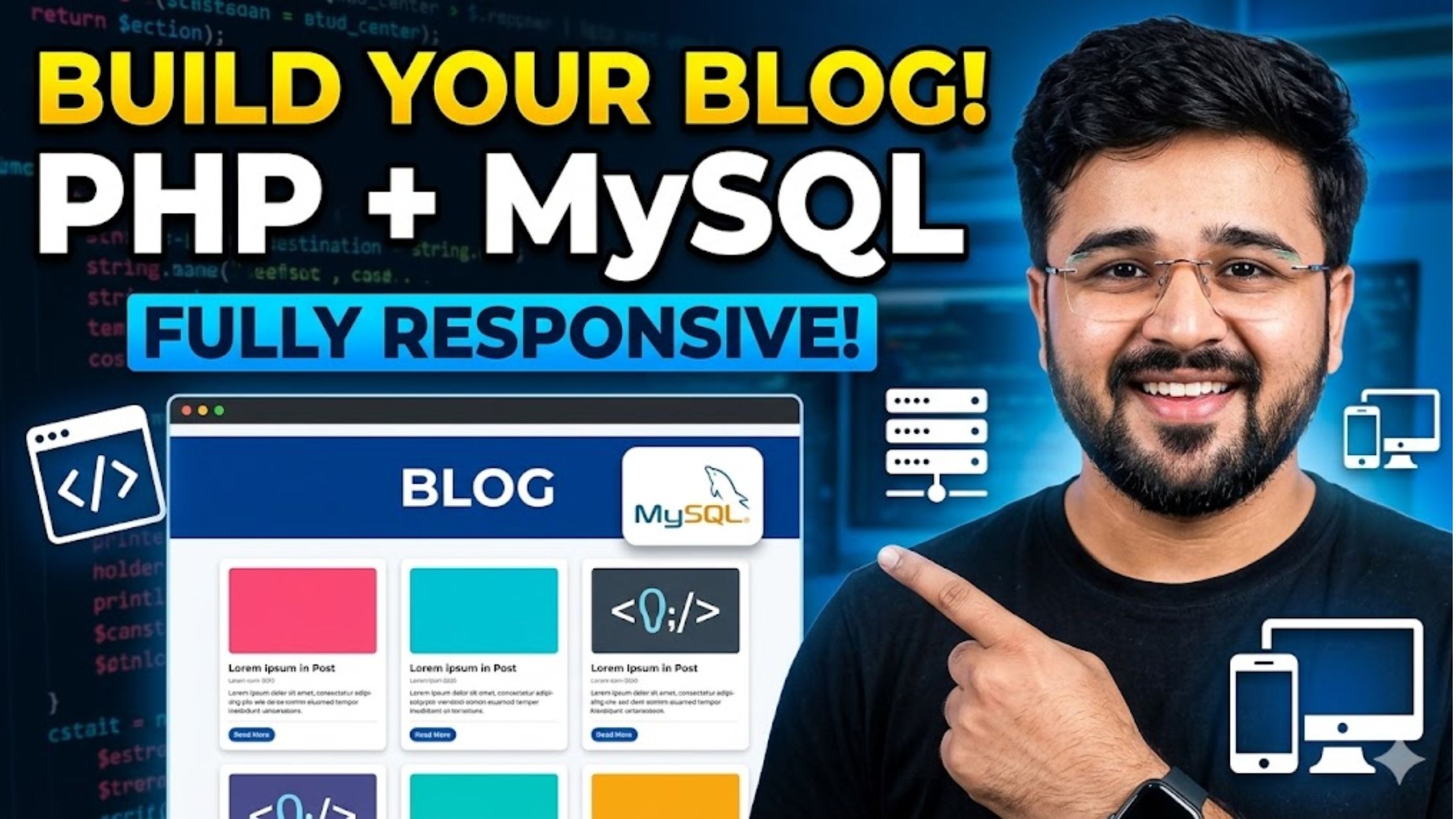
In this detailed tutorial, you will learn how to develop a fully functional and responsive blog website using PHP and MySQL from scratch. This guide is crafted to help beginners as well as intermediate developers understand how to build a modern blogging platform with clean design and powerful backend functionality.
We will walk through every essential step, starting from setting up your development environment to designing a responsive user interface that adapts seamlessly across mobile, tablet, and desktop devices. You’ll also learn how to structure your database using MySQL for efficient content storage and retrieval.
The project focuses on creating a dynamic system where users can easily publish, edit, and manage blog posts without technical complexity. With PHP handling server-side logic and MySQL managing data, you’ll gain hands-on experience in building a scalable and secure web application.
Additionally, we’ll cover important features like user authentication, admin dashboard, category management, and SEO-friendly URLs—ensuring your blog is not only visually appealing but also optimized for performance and search engines.
Why Choose PHP and MySQL for a Blog Website?
PHP and MySQL are among the most popular technologies for building dynamic websites. Here’s why they are perfect for a blog system:
- PHP handles server-side logic efficiently
- MySQL manages structured data like posts, users, and categories
- Easy to learn and widely supported
- Works on almost every hosting platform
- Ideal for scalable web applications
Features of Our Blog Website
In this project, you will build a blog with the following features:
- Fully responsive design (mobile, tablet, desktop)
- User authentication (Login/Signup)
- Admin dashboard
- Create, edit, and delete blog posts
- Category management
- Search functionality
- SEO-friendly URLs
- Comment system (optional)
Setting Up the System Responsive Blog Website (PHP & MySQL)
To successfully run the Responsive Online Blog Website System, you need to properly set up your local development environment. This guide will help you install and configure everything step by step so your project runs smoothly without errors.
System Requirements
Before starting, make sure you have the following:
- A local web server such as XAMPP, WAMP, MAMP, or LAMP
- The source code ZIP file of the blog project
- A web browser (Google Chrome, Mozilla Firefox, Opera, etc.)
Installation Process
Follow these simple steps to set up the project on your system:
1. Install a Local Server Environment
First, download and install any local server software like XAMPP or WAMP. These tools provide Apache (server) and MySQL (database), which are essential to run PHP applications locally.
2. Extract the Project Files
Once you download the source code, extract the ZIP file on your computer. This will create a folder containing all the necessary project files.
3. Start Apache & MySQL Services
Open your server control panel (XAMPP/WAMP) and start:
- Apache Server
- MySQL Database
Make sure both services are running without errors.
4. Move Project to Server Directory
Now copy or move the extracted project folder into the correct directory:
- For XAMPP →
htdocs - For WAMP →
www
Example:
5. Create and Import Database
Next, open phpMyAdmin by visiting:
Steps:
- Create a new database named:
blog_admin_db - Find the file blog_admin_db.sql inside your project folder
- Import this SQL file into the newly created database
This will automatically create all required tables and data.
6. Run the Project in Browser
Open your browser and enter:
http://localhost/resblog
Your blog website should now be live on your local server
7. Admin Login Details
To access the admin dashboard, use the default credentials:
- Username: admin
- Password: admin
From here, you can manage posts, categories, and users.
Responsive Online Blog Website System Project in PHP MySQL
- Name of Project: Responsive Online Blog Website System Project
- Language: PHP
- Databases used: MySQL
- Design used: HTML JavaScript, Ajax, JQuery, Bootstrap
- Browser used: IE8, Google Chrome, Opera Mozilla
- Software used: WAMP/ XAMPP/ LAMP/MAMP