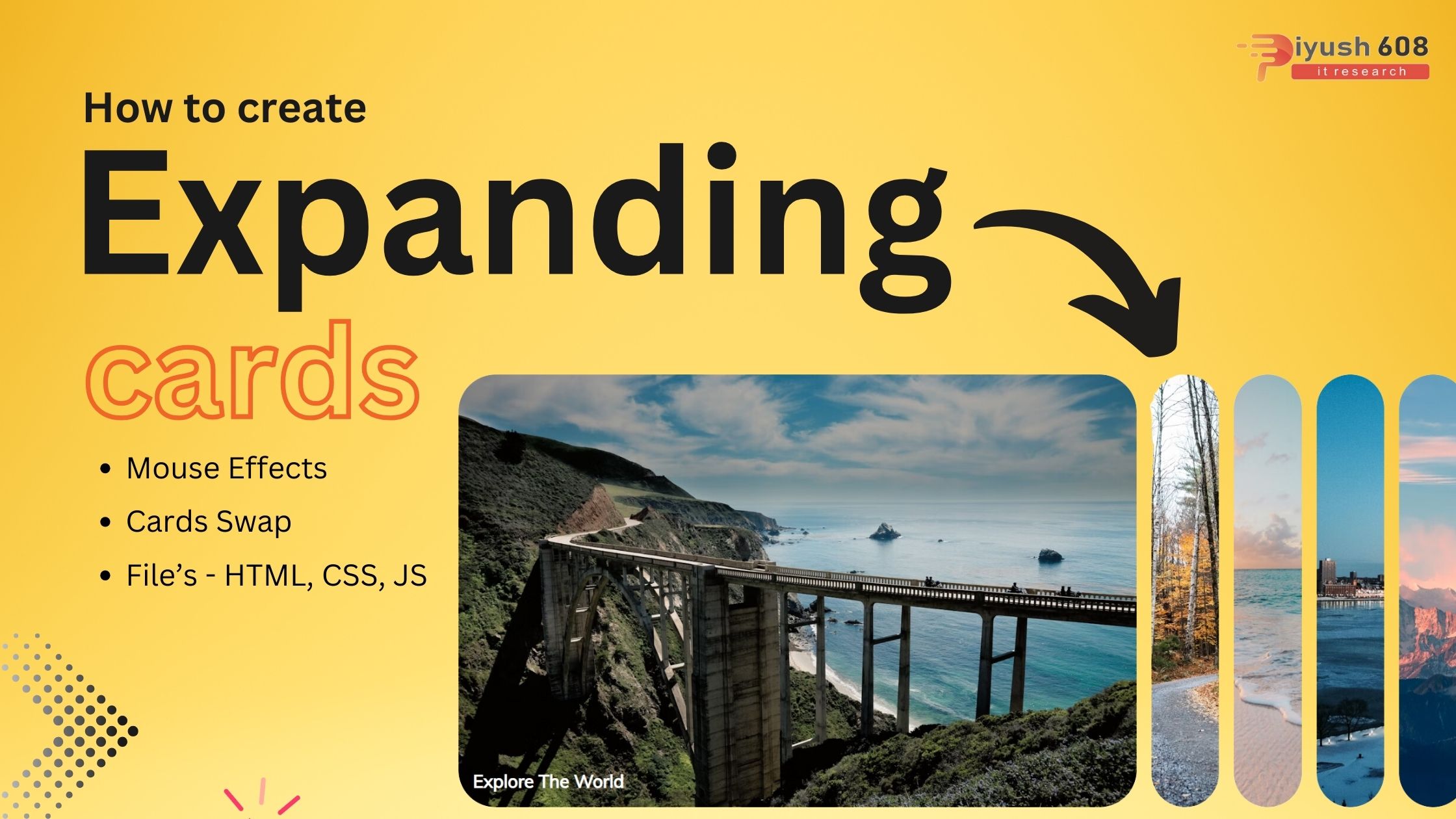
Creating an expanding cards interface using HTML, CSS, and JavaScript involves designing a set of cards that expand when clicked, revealing more content. Below is a simple implementation:
HTML (index.html)
<!DOCTYPE html>
<html lang="en">
  <head>
    <meta charset="UTF-8" />
    <meta name="viewport" content="width=device-width, initial-scale=1.0" />
    <link rel="stylesheet" href="style.css" />
    <title>Expanding Cards</title>
  </head>
  <body>
    <div class="container">
      <div class="panel active" style="background-image: url('https://images.unsplash.com/photo-1558979158-65a1eaa08691?ixlib=rb-1.2.1&ixid=eyJhcHBfaWQiOjEyMDd9&auto=format&fit=crop&w=1350&q=80')">
        <h3>Explore The World</h3>
      </div>
      <div class="panel" style="background-image: url('https://images.unsplash.com/photo-1572276596237-5db2c3e16c5d?ixlib=rb-1.2.1&ixid=eyJhcHBfaWQiOjEyMDd9&auto=format&fit=crop&w=1350&q=80')">
        <h3>Wild Forest</h3>
      </div>
      <div class="panel" style="background-image: url('https://images.unsplash.com/photo-1507525428034-b723cf961d3e?ixlib=rb-1.2.1&ixid=eyJhcHBfaWQiOjEyMDd9&auto=format&fit=crop&w=1353&q=80')">
        <h3>Sunny Beach</h3>
      </div>
      <div class="panel" style="background-image: url('https://images.unsplash.com/photo-1551009175-8a68da93d5f9?ixlib=rb-1.2.1&ixid=eyJhcHBfaWQiOjEyMDd9&auto=format&fit=crop&w=1351&q=80')">
        <h3>City on Winter</h3>
      </div>
      <div class="panel" style="background-image: url('https://images.unsplash.com/photo-1549880338-65ddcdfd017b?ixlib=rb-1.2.1&ixid=eyJhcHBfaWQiOjEyMDd9&auto=format&fit=crop&w=1350&q=80')">
        <h3>Mountains - Clouds</h3>
      </div>

    </div>

    <script src="script.js"></script>
  </body>
</html>
CSS (styles.css)
@import url('https://fonts.googleapis.com/css?family=Muli&display=swap');

* {
  box-sizing: border-box;
}

body {
  font-family: 'Muli', sans-serif;
  display: flex;
  align-items: center;
  justify-content: center;
  height: 100vh;
  overflow: hidden;
  margin: 0;
}

.container {
  display: flex;
  width: 90vw;
}

.panel {
  background-size: cover;
  background-position: center;
  background-repeat: no-repeat;
  height: 80vh;
  border-radius: 50px;
  color: #fff;
  cursor: pointer;
  flex: 0.5;
  margin: 10px;
  position: relative;
  -webkit-transition: all 700ms ease-in;
}

.panel h3 {
  font-size: 24px;
  position: absolute;
  bottom: 20px;
  left: 20px;
  margin: 0;
  opacity: 0;
}

.panel.active {
  flex: 5;
}

.panel.active h3 {
  opacity: 1;
  transition: opacity 0.3s ease-in 0.4s;
}

@media (max-width: 480px) {
  .container {
    width: 100vw;
  }

  .panel:nth-of-type(4),
  .panel:nth-of-type(5) {
    display: none;
  }
}
JavaScript (scripts.js)
const panels = document.querySelectorAll('.panel')

panels.forEach(panel => {
    panel.addEventListener('click', () => {
        removeActiveClasses()
        panel.classList.add('active')
    })
})

function removeActiveClasses() {
    panels.forEach(panel => {
        panel.classList.remove('active')
    })
}
Explanation
- HTML:
- The
index.htmlfile contains the structure of the cards. Each card has acontentdiv with a title and some text. - The
onclickattribute is used to call theexpandCardfunction when a card is clicked.
- The
- CSS:
- The
styles.cssfile styles the cards and container. Each card has a default flex value of 1, which changes to 5 when the card is expanded. - The
transitionproperty on the.cardclass provides a smooth animation when the card expands.
- The
- JavaScript:
- The
scripts.jsfile contains theexpandCardfunction, which is called when a card is clicked. This function removes theexpandedclass from all cards and adds it to the clicked card.
- The
Setup
- Create three files:
index.html,styles.css, andscripts.js. - Copy the respective code into these files.
- Open
index.htmlin your browser to see the expanding cards in action.
Feel free to customize the design and content of the cards to better fit your needs. This example provides a basic foundation that can be extended for more complex use cases.
Published: July 25, 2024
piyush
HTML Project