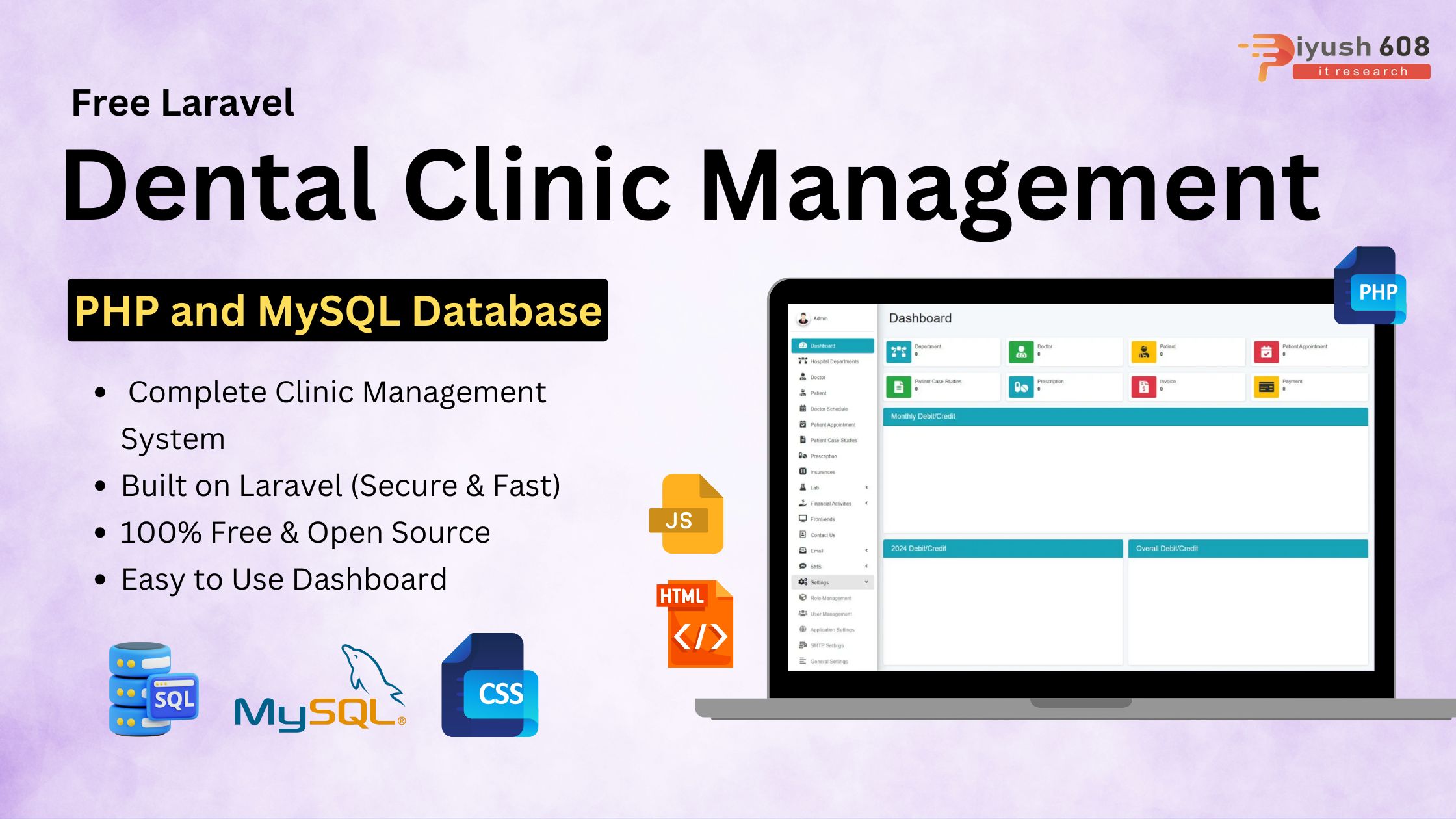
Running a dental clinic efficiently requires streamlined management of appointments, patient records, billing, and inventory. Manual handling often leads to errors, missed appointments, and time-consuming paperwork. That’s where a Dental Clinic Software Solution comes in handy.
With our Free Laravel Dental Clinic Management Software, you get a complete and powerful system built on Laravel that helps you manage your clinic effortlessly. From handling appointments and storing patient records to managing billing and inventory, everything becomes smooth and automated.
Our Complete Dental Clinic Software improves workflow efficiency, saves valuable time, reduces errors, and enhances patient satisfaction — and the best part is, it’s absolutely free!
Key Features of the Dental Clinic Software
-
Patient Management: Easily add, update, and track patient information, treatment history, and appointments.
-
Appointment Scheduling: Manage daily, weekly, and monthly appointments efficiently. Avoid overlaps and reduce waiting time.
-
Billing & Invoicing: Generate invoices automatically, track payments, and maintain financial records.
-
Inventory Management: Keep track of dental supplies, medicines, and equipment to prevent shortages.
-
Reports & Analytics: Generate comprehensive reports on patients, revenue, and treatments to make data-driven decisions.
-
User-Friendly Interface: Simple and intuitive interface built with Laravel, making it easy for staff and doctors to use.
-
Security: Built-in authentication and role-based access ensure sensitive patient data is secure.
Why Choose Laravel for Dental Clinic Software?
Laravel is a powerful PHP framework known for its scalability, security, and performance. Using Laravel ensures your dental clinic software is:
-
Fast & Efficient: Optimized code and database handling for smooth operation.
-
Secure: Protects sensitive patient information with advanced authentication.
-
Customizable: Easily extendable features to meet the unique requirements of your clinic.
-
Open-Source: Free to use and modify, saving costs for clinic management.
Installing a Laravel Project from a ZIP File
Prerequisites
Before starting, ensure you have:
-
PHP >= 8.1 with required extensions (OpenSSL, PDO, Mbstring, Tokenizer, XML, Ctype, JSON, BCMath)
-
Composer installed
-
Web server like XAMPP, WAMP, Laragon, or MAMP
-
MySQL or any supported database
Step 1: Extract the ZIP File
-
Extract your Laravel project ZIP file to your local server directory.
Example:C:\xampp\htdocs\dentalclinic(Windows) or/var/www/html/dentalclinic(Linux/Mac).
Step 2: Open Terminal / Command Prompt
Navigate to your project folder:
Step 3: Install Dependencies
Run Composer to install all required PHP packages:
Step 4: Set Up Environment File
Copy .env.example to .env file:
Edit .env with your database credentials and project settings:
Step 5: Generate Application Key
Laravel requires an application key for security:
This will update the .env file with a new APP_KEY.
Step 6: Run Database Migrations
Create tables in your database:
If the project has seeders for default data:
Step 7: Set Folder Permissions (Linux/Mac Only)
Ensure the following folders are writable:
Step 8: Start Laravel Development Server
Run the built-in Laravel server:
You will see:
Open this URL in your browser to access your project.

FAQs
1. What is the Free Laravel Dental Clinic Management Software?
This is a complete, open-source clinic management system built using the Laravel framework. It helps dental clinics manage appointments, patient records, billing, treatments, staff, and inventory efficiently without any subscription cost.
2. Is this dental clinic software completely free to use?
Yes, the software is 100% free to download, install, modify, and use. Since it’s open-source, you can customize it according to your clinic’s requirements.
3. What features does this Laravel Dental Clinic Management Software include?
Key features include patient management, appointments scheduling, treatment history, prescriptions, billing & invoicing, staff management, inventory tracking, reports, and secure role-based access.
4. Do I need coding knowledge to use this software?
Not for usage! The system comes with a clean and user-friendly dashboard. However, if you want to customize features or design, basic Laravel/PHP knowledge is helpful.
5. Can the software handle multiple dentists in one clinic?
Yes, the software supports multiple doctors/dentists. You can assign appointments, manage schedules, and track performance for each dentist.
6. Does the software support online appointment booking?
Yes, it includes an appointment system where patients can book appointments and admins/staff can manage the schedule from the backend.
7. Is the software secure for managing sensitive patient data?
Absolutely. Built with Laravel’s robust security features, the system includes encrypted data handling, authentication, authorization, and secure database management.
8. Can I integrate payment gateways for billing?
Yes, you can integrate popular payment gateways like Razorpay, Stripe, or PayPal with Laravel. Developers can easily extend the billing module.
9. Does the software support reporting and analytics?
Yes, detailed reports for revenue, appointments, patient trends, and treatment history help clinics make data-driven decisions.
10. Can I host the software on shared hosting?
Yes, the system can be hosted on any shared hosting that supports PHP 8+ and MySQL. It also works smoothly on VPS or cloud servers.
11. Is technical support available?
Since it is open-source, official support may not be included, but you can get community help or hire a Laravel developer for customization.
12. Can I customize the UI/UX of the software?
Yes, the software is fully customizable. You can modify the dashboard, forms, modules, and front-end style according to your clinic’s branding.