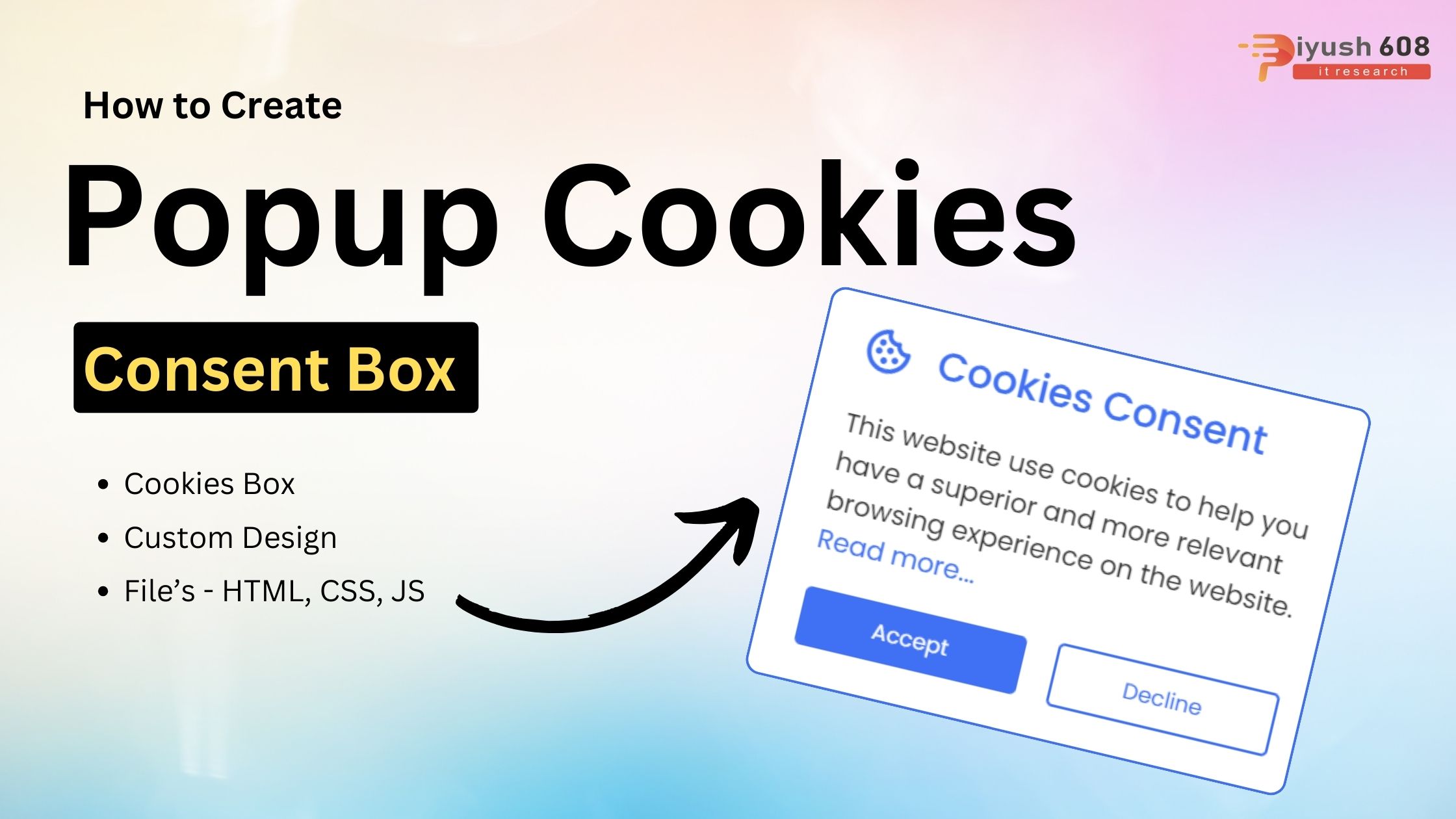
Creating a popup cookies consent box is a common requirement for websites to comply with privacy regulations like GDPR. Below is a step-by-step guide to create a simple cookies consent popup using HTML, CSS, and JavaScript.
Today’s blog will teach you how to create a pop-up cookie consent box in HTML CSS and JavaScript that sets cookies for a certain time interval, even if you only know the basics of JavaScript, you will be able to create and set cookies. Recently I uploaded how to create a responsive search bar in HTML CSS and JavaScript, I hope you like it.
1. HTML Structure
Start with a basic HTML structure. The popup will be a simple <div> that appears on page load.
<!DOCTYPE html>

<html lang="en">
  <head>
    <meta charset="UTF-8" />
    <meta http-equiv="X-UA-Compatible" content="IE=edge" />
    <meta name="viewport" content="width=device-width, initial-scale=1.0" />
    <title>Popup Cookie Consent Box</title>
    <link rel="stylesheet" href="style.css" />
    <!-- Boxicons CSS -->
    <link href="https://unpkg.com/boxicons@2.1.2/css/boxicons.min.css" rel="stylesheet" />
    <script src="script.js" defer></script>
  </head>
  <body>
    <div class="wrapper">
      <header>
        <i class="bx bx-cookie"></i>
        <h2>Cookies Consent</h2>
      </header>

      <div class="data">
        <p>This website use cookies to help you have a superior and more relevant browsing experience on the website. <a href="#"> Read more...</a></p>
      </div>

      <div class="buttons">
        <button class="button" id="acceptBtn">Accept</button>
        <button class="button" id="declineBtn">Decline</button>
      </div>
    </div>
  </body>
</html>
You May Like This:
- Popup Modal Box in HTML CSS
- Popup Modal Box in HTML CSS & JS
- Web Push Notification in HTML CSS & JS
2. CSS Styling
Next, add some CSS to style the cookies consent popup. You can customize the styles to match your website’s design.
/* Google Fonts - Poppins */
@import url("https://fonts.googleapis.com/css2?family=Poppins:wght@300;400;500;600&display=swap");

* {
  margin: 0;
  padding: 0;
  box-sizing: border-box;
  font-family: "Poppins", sans-serif;
}
body {
  min-height: 100vh;
  background-color: #4070f4;
}
.wrapper {
  position: fixed;
  bottom: 50px;
  right: -370px;
  max-width: 345px;
  width: 100%;
  background: #fff;
  border-radius: 8px;
  padding: 15px 25px 22px;
  transition: right 0.3s ease;
  box-shadow: 0 5px 10px rgba(0, 0, 0, 0.1);
}
.wrapper.show {
  right: 20px;
}
.wrapper header {
  display: flex;
  align-items: center;
  column-gap: 15px;
}
header i {
  color: #4070f4;
  font-size: 32px;
}
header h2 {
  color: #4070f4;
  font-weight: 500;
}
.wrapper .data {
  margin-top: 16px;
}
.wrapper .data p {
  color: #333;
  font-size: 16px;
}
.data p a {
  color: #4070f4;
  text-decoration: none;
}
.data p a:hover {
  text-decoration: underline;
}
.wrapper .buttons {
  margin-top: 16px;
  width: 100%;
  display: flex;
  align-items: center;
  justify-content: space-between;
}
.buttons .button {
  border: none;
  color: #fff;
  padding: 8px 0;
  border-radius: 4px;
  background: #4070f4;
  cursor: pointer;
  width: calc(100% / 2 - 10px);
  transition: all 0.2s ease;
}
.buttons #acceptBtn:hover {
  background-color: #034bf1;
}
#declineBtn {
  border: 2px solid #4070f4;
  background-color: #fff;
  color: #4070f4;
}
#declineBtn:hover {
  background-color: #4070f4;
  color: #fff;
}
3. JavaScript to Handle Cookies and Popup
Now, add the JavaScript to handle the display of the popup and the acceptance of cookies.
const cookieBox = document.querySelector(".wrapper"),
  buttons = document.querySelectorAll(".button");

const executeCodes = () => {
  //if cookie contains codinglab it will be returned and below of this code will not run
  if (document.cookie.includes("codinglab")) return;
  cookieBox.classList.add("show");

  buttons.forEach((button) => {
    button.addEventListener("click", () => {
      cookieBox.classList.remove("show");

      //if button has acceptBtn id
      if (button.id == "acceptBtn") {
        //set cookies for 1 month. 60 = 1 min, 60 = 1 hours, 24 = 1 day, 30 = 30 days
        document.cookie = "cookieBy= codinglab; max-age=" + 60 * 60 * 24 * 30;
      }
    });
  });
};

//executeCodes function will be called on webpage load
window.addEventListener("load", executeCodes);
4. Explanation
- HTML: A
<div>with the IDcookie-consentcontains the consent message and an “Accept” button. - CSS: The
.cookie-consentclass styles the popup box. It’s hidden by default and only shown if the user hasn’t previously accepted cookies. - JavaScript:
setCookie(name, value, days): Sets a cookie with the specified name, value, and expiration days.getCookie(name): Retrieves the value of the specified cookie.checkCookieConsent(): Checks if the “cookieConsent” cookie exists. If not, it displays the consent popup.- An event listener is added to the “Accept” button, which sets the cookie and hides the popup.
5. Running the Code
To see the cookies consent popup in action:
- Create three files:
index.html,styles.css, andscript.js. - Paste the corresponding code into each file.
- Open the
index.htmlfile in your browser.
The popup will appear when you first load the page. Once you accept the cookies, the popup will not show again for 365 days.