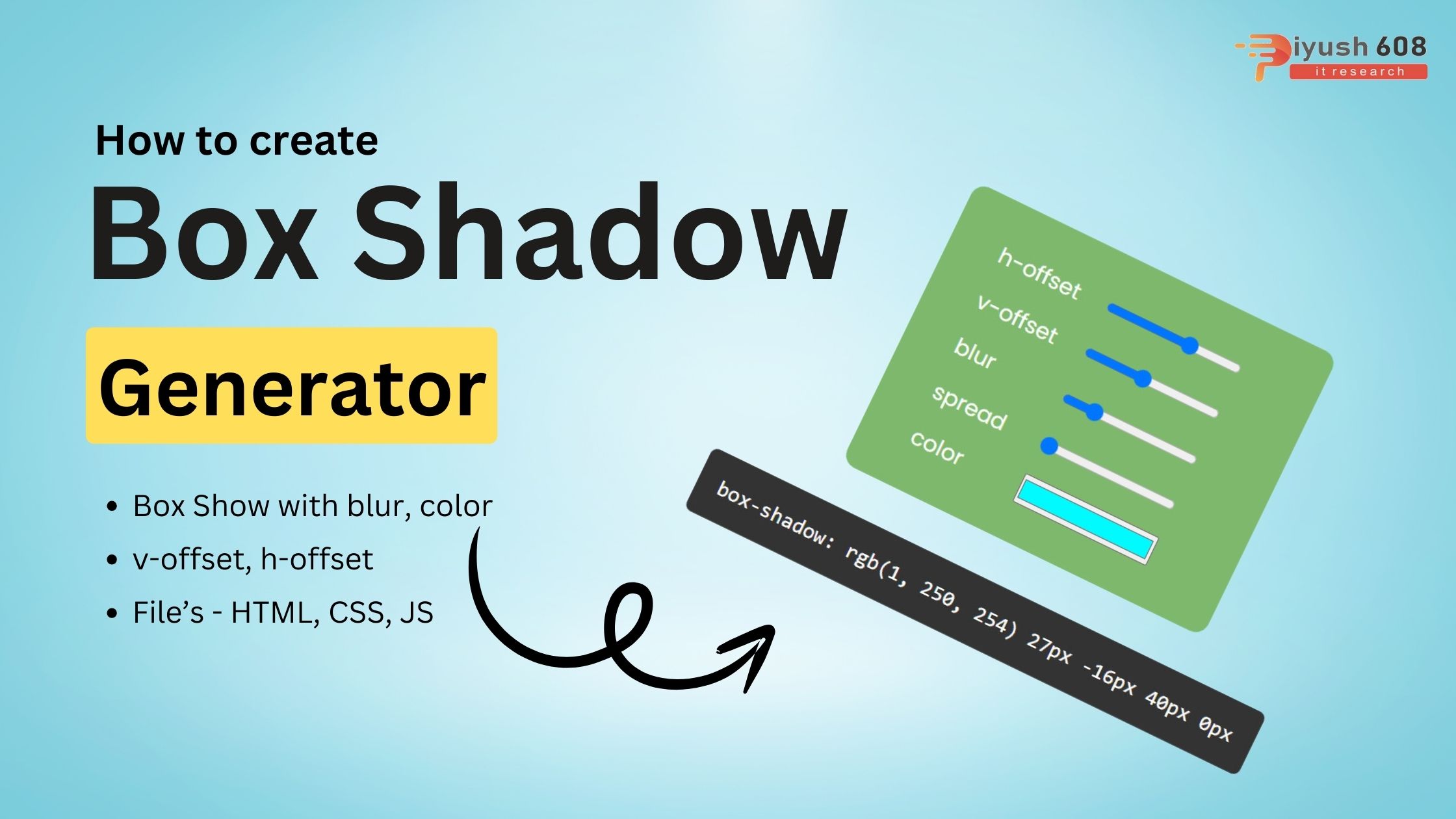
Creating a Box Shadow Generator involves a user interface where users can input shadow parameters (like offset, blur, spread, color, etc.) and see the effect in real-time. Here’s how you can create a simple Box Shadow Generator using HTML, CSS, and JavaScript.
HTML
<!DOCTYPE html>
<html lang="en">
<head>
    <meta charset="UTF-8">
    <meta name="viewport" content="width=device-width, initial-scale=1.0">
    <title>CSS Box Shadow</title>
    <link rel="stylesheet" href="./style.css" type="text/css">
</head>
<body>
    <div class="container">
        <h1 class="title">Box Shadow Generator</h1>
        <div class="box">
            <div class="properties-wrapper">
                <div class="property">
                    <label for="h-offset">h-offset</label>
                    <input type="range" name="h-offset" id="h-offset" min="-100" max="100" value="0" data-unit="px">
                </div>
                <div class="property">
                    <label for="v-offset">v-offset</label>
                    <input type="range" name="v-offset" id="v-offset" min="-100" max="100" value="0" data-unit="px">
                </div>
                <div class="property">
                    <label for="blur">blur</label>
                    <input type="range" name="blur" id="blur" min="0" max="200" value="10" data-unit="px">
                </div>
                <div class="property">
                    <label for="spread">spread</label>
                    <input type="range" name="spread" id="spread" min="0" max="200" value="10" data-unit="px">
                </div>
                <div class="property">
                    <label for="color">color</label>
                    <input type="color" name="color" id="color">
                </div>
            </div>
        </div>
        <div class="output">
            <div class="code">
                <p class="normal">box-shadow:</p>
            </div>
        </div>
    </div>
    <script src="./app.js" type="text/javascript"></script>
</body>
</html>
CSS (styles.css)
@import url('https://fonts.googleapis.com/css2?family=Poppins&display=swap');
* {
    margin: 0;
    padding: 0;
    box-sizing: border-box;
}
*::before,
*::after {
    box-sizing: border-box;
}
html,
body {
    font-size: .8em;
    font-family: 'Poppins', sans-serif;
}
body {
    min-height: 100vh;
    min-width: 100vw;
    display: flex;
    justify-content: center;
    align-items: center;
    background-color: #74EBD5;
    background-image: linear-gradient(90deg, #74EBD5 0%, #9FACE6 100%);
}
h1 {
    font-size: 3em;
}
.container {
    max-width: 50rem;
    width: 80%;
    height: 50rem;
    display: flex;
    flex-direction: column;
    align-items: center;
    justify-content: space-between;
    padding: 1rem;
    border-radius: 12px;
}
.box {
    background: #7db86c;
    color: white;
    padding: 2rem 3.5rem;
    box-shadow: 0 0 10px 10px rgb(226, 102, 30);
    border-radius: 12px;
}
.properties-wrapper {
    font-size: 1.5rem;
}
.property {
    display: flex;
    align-items: center;
    justify-content: space-between;
    padding: 0.6rem 0;
}
.property > input {
    width: 10rem;
    margin: 0 2rem;
}
.output {
    font-size: 1.5rem;
    font-family: monospace;
    max-width: 50rem;
    padding: 0.5rem;
    background: #333333;
    color: #ffffff;
    border-radius: 0.5rem;
    text-align: center;
}
.code {
    padding: 1rem;
}
JavaScript (script.js)
const inputsNodeList = document.querySelectorAll('.property input');

function handleUpdate(){
    const box = document.querySelector('.box');
    const hOffset = document.getElementById('h-offset').value;
    const vOffset = document.getElementById('v-offset').value;
    const blurRadius = document.getElementById('blur').value;
    const spread = document.getElementById('spread').value;
    const color = document.getElementById('color').value;
    const normal = document.querySelector('.normal');

    let boxShadowValue = box.style.boxShadow;
    box.style.boxShadow = `${hOffset}px ${vOffset}px ${blurRadius}px ${spread}px ${color}`;
    normal.textContent = `box-shadow: ${boxShadowValue}`;
}

inputsNodeList.forEach(input => {
    input.addEventListener('change', handleUpdate);
});
inputsNodeList.forEach(input => {
    input.addEventListener('mousemove', handleUpdate);
});
Explanation
- HTML:
- The structure includes input controls for shadow parameters, a preview box to see the effect, and a section to display the CSS code.
- Each input control is associated with a label and a span to show the current value.
- CSS:
- Basic styling for the container, controls, preview box, and CSS code section.
- Ensures a responsive layout with some padding, margins, and flexible box properties.
- JavaScript:
- Adds event listeners to each input control to update the box shadow in real-time.
- Updates the preview box and the CSS code display based on user inputs.
This setup provides a simple yet effective tool for generating and visualizing CSS box shadows. You can extend this by adding more controls for inset shadow, multiple shadows, and more complex configurations.
Published: August 3, 2024
piyush
HTML Project