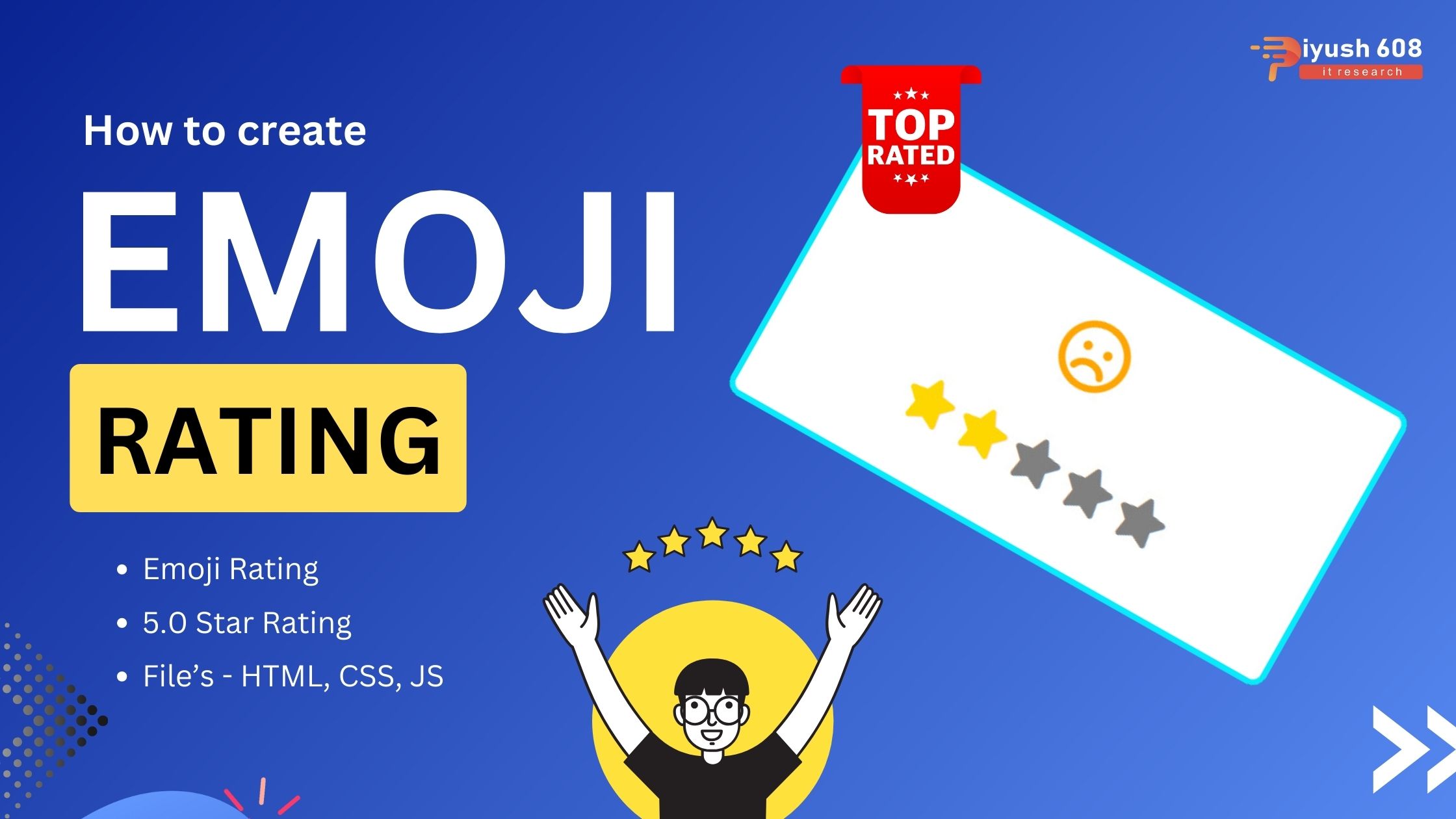
Creating an emoji rating system using HTML, CSS, and JavaScript involves setting up clickable emojis that represent different rating levels and using JavaScript to handle the selection. Here’s a step-by-step guide:
HTML
<!DOCTYPE html>
<html lang="en">
  <head>
    <meta charset="UTF-8" />
    <meta http-equiv="X-UA-Compatible" content="IE=edge" />
    <meta name="viewport" content="width=device-width, initial-scale=1.0" />
    <title>Emoji Rating</title>
    <link
      rel="stylesheet"
      href="https://cdnjs.cloudflare.com/ajax/libs/font-awesome/6.1.2/css/all.min.css"
      integrity="sha512-1sCRPdkRXhBV2PBLUdRb4tMg1w2YPf37qatUFeS7zlBy7jJI8Lf4VHwWfZZfpXtYSLy85pkm9GaYVYMfw5BC1A=="
      crossorigin="anonymous"
      referrerpolicy="no-referrer"
    />
    <link rel="stylesheet" href="style.css" />
  </head>
  <body>
    <div class="feedback-container">
      <div class="emoji-container">
        <i class="far fa-angry fa-3x"></i>
        <i class="far fa-frown fa-3x"></i>
        <i class="far fa-meh fa-3x"></i>
        <i class="far fa-smile fa-3x"></i>
        <i class="far fa-laugh fa-3x"></i>
      </div>
      <div class="rating-container">
        <i class="fa-solid fa-star fa-2x"></i>
        <i class="fa-solid fa-star fa-2x"></i>
        <i class="fa-solid fa-star fa-2x"></i>
        <i class="fa-solid fa-star fa-2x"></i>
        <i class="fa-solid fa-star fa-2x"></i>
      </div>
    </div>

    <script src="index.js"></script>
  </body>
</html>
CSS (styles.css)
body {
  margin: 0;
  display: flex;
  justify-content: center;
  height: 100vh;
  align-items: center;
  background-color: rgb(44, 44, 42);
}

.feedback-container {
  background-color: white;
  width: 400px;
  height: 200px;
  box-shadow: 0 4px 8px rgba(0, 0, 0, 0.3);
  border-radius: 10px;
  position: relative;
  border: 4px solid rgb(6, 234, 250);
}
/* In order to bring emojis to center we make absolute to emoji-container & relative to geedback-container.*/

.emoji-container {
  position: absolute;
  left: 50%;
  transform: translateX(-50%);
  top: 20%;
  height: 50px;
  width: 50px;
  border-radius: 50%;
  display: flex;
  overflow: hidden; /*To hide other emojis*/

}

.far {
  margin: 1px;
  transform: translateX(0); /*To shift the emojis*/
}

.rating-container {
  position: absolute;
  left: 50%;
  transform: translateX(-50%);
  bottom: 20%;
}

.fa-star {
  color: gray;
  cursor: pointer;
}

.fa-star.active {
  color: gold;
}
JavaScript (script.js)
const emojiEls = document.querySelectorAll(".far");
const starEls = document.querySelectorAll(".fa-star");
const colorsArray = ["red", "orange", "blue", "green", "gold"];

updateRating(0);

starEls.forEach((starEl, index) => {
  starEl.addEventListener("click", () => {
    console.log("clicked", index);
    updateRating(index);
  });
});

function updateRating(index) {
  starEls.forEach((starEl, idx) => {
    if (idx < index + 1) {
      starEl.classList.add("active");
    } else {
      starEl.classList.remove("active");
    }
  });

  emojiEls.forEach((emojiEl) => {
    emojiEl.style.transform = `translateX(-${index * 50}px)`;
    emojiEl.style.color = colorsArray[index];
  });
}
Explanation
- HTML Structure:
- The HTML includes a
divwith the classemoji-ratingthat contains severalspanelements. Eachspanrepresents an emoji and has adata-ratingattribute to store the rating value.
- The HTML includes a
- CSS Styling:
- The
.emoji-ratingclass styles the container of emojis to display them in a row with some spacing. - The
.emojiclass styles each emoji with a larger font size and a cursor pointer for interactivity. - The
.emoji:hoverclass adds a scaling effect when the emoji is hovered over. - The
.emoji.selectedclass adds a larger scaling effect to the selected emoji.
- The
- JavaScript Functionality:
- The
DOMContentLoadedevent ensures that the script runs after the DOM is fully loaded. - The script selects all emoji elements and adds a click event listener to each.
- When an emoji is clicked, the
selectedclass is removed from all emojis, and then it is added to the clicked emoji. - The rating value is retrieved from the
data-ratingattribute and logged to the console.
- The
By following these steps, you’ll create an interactive emoji rating system where users can click on an emoji to rate, and the selected emoji will be highlighted with a larger size. You can further enhance this system by adding additional functionality, such as submitting the rating to a server or displaying the selected rating to the user.



 +91 7905834592
 Enquiry Now
 piyushmnm@gmail.com
 piyush.gupta384
Reviews
There are no reviews yet. Be the first one to write one.