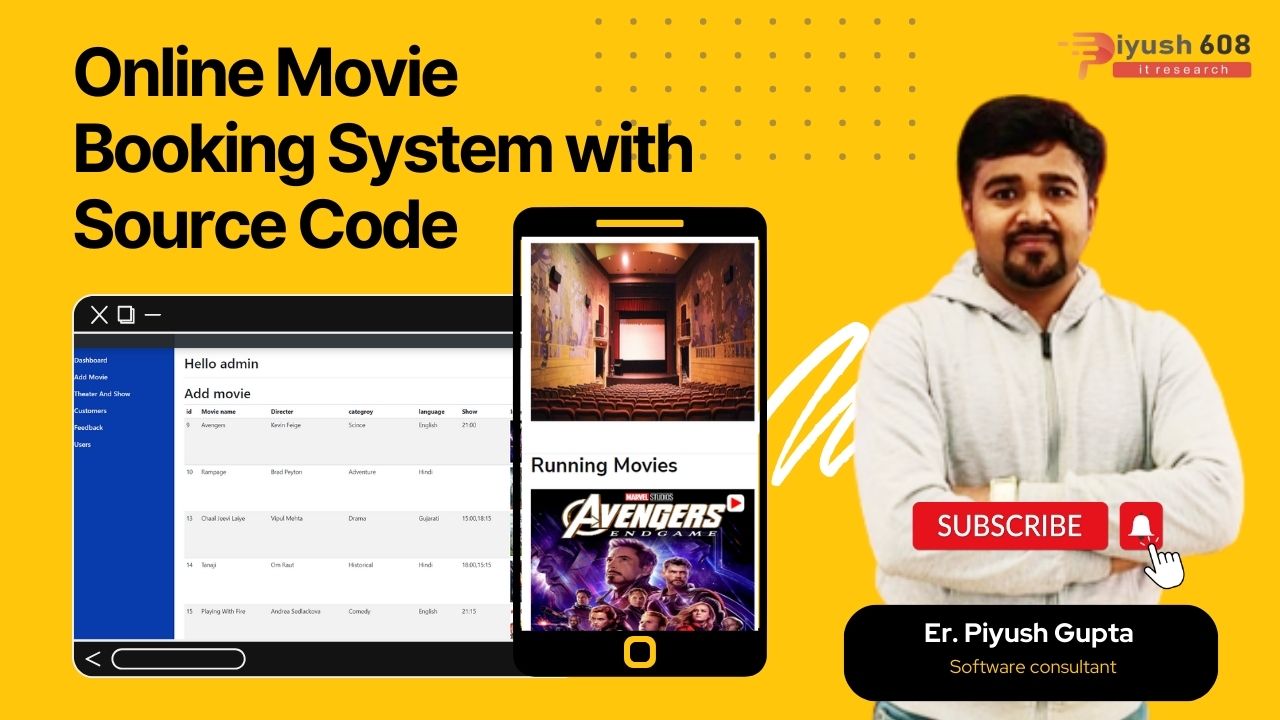
Moving on, this Movie Ticket Booking System project in PHP mainly focuses on dealing with customers, theater management with respect to their bookings and other parts of the management side. Further, the system allows the customer to login or register if he does not have an account to book the goods. Projects are divided into three categories: client-side, admin panels, and theater panels. In an overview of this website (referring to the client-side), users can see the number of movies available, upcoming movies, and top movie trailers for each.
Features
-
- Add Category
- Add Movies
- List of Customers
- User details
- Manage Booking
- customer Feedback
- Bill Invoice
- Login
Brief overview of technology:
Front end: HTML, CSS, JavaScript
-
-
- HTML: HTML is used to create and save web document. E.g. Notepad/Notepad++
- CSS : (Cascading Style Sheets) Create attractive Layout
- Bootstrap : responsive design mobile freindly site
- JavaScript: it is a programming language, commonly use with web browsers.
-
Back end: PHP, MySQL, CodeIgniter
-
-
- PHP: Hypertext Preprocessor (PHP) is a technology that allows software developers to create dynamically generated web pages, in HTML, XML, or other document types, as per client request. PHP is open source software.
- MySQL: MySql is a database, widely used for accessing querying, updating, and managing data in databases.
-
Installation Steps
1. Download zip file and Unzip file on your local server.
2. Put this file inside “c:/wamp/www/” .
3. Database Configuration Open phpmyadmin Create Database named
moviebook Import database
loan from downloaded folder(inside database)
4. Open Your browser put inside “http://localhost/online-movie-booking/”
Admin Detail
username – admin
Password – admin
User Detail
username – pratik
Password – 4550